
Download Fun88 App for Android and iOS - Installation Guide
Understanding the correct process for each platform is essential for the Fun88 app to run smoothly from your first installation.
Many users get stuck at the first step — unsure where to download the file from, or struggling with device errors when opening the installation file. In reality, installing the Fun88 app isn't complicated, but there are key differences between Android and iOS that, if overlooked, can cause problems midway through.

How does the Fun88 app serve mobile users?
The app's strength lies in instant processing: odds are updated in real-time, betting commands respond quickly, and all account management tasks — from deposits and withdrawals to claiming promotions — can be done on a single interface. Users on the Fun88 platform don't need to open a separate browser to follow matches or check account balance while on the move.
Where should you get the installation file from?
The only reliable download source is the Fun88 official website — not third-party app stores or links shared on social media. When accessing from a computer, the QR code on the homepage allows your phone to receive the direct download link via camera without retyping the address. When using a phone, a banner at the top of the homepage will direct you straight to the APK file or App Store depending on your operating system.
Installing on Android — APK process and security permissions
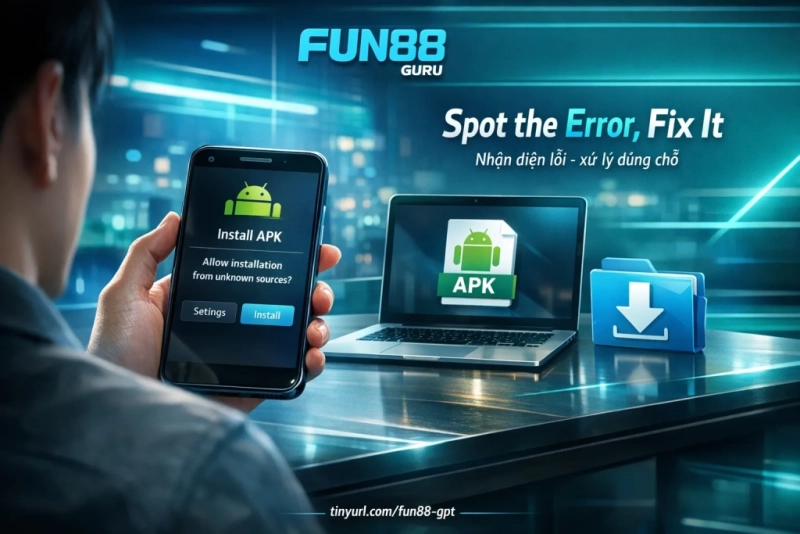
Fun88's Android app is distributed as an APK file downloaded directly from the website, not through Google Play Store. Before opening the installation file, your device needs to grant permission to Allow installation from unknown sources — depending on your Android version, this permission can be set globally in Security Settings, or you may need to grant it separately for each browser app used to download the file. Once the permission is enabled, select the APK file you downloaded, confirm when the system prompts, and wait for installation to complete. The entire process involves four steps and typically finishes in a few minutes with a stable connection.

Installing on iOS — App Store and verification steps
With iPhone, iPad, or iPod touch, the app goes through the App Store so you don't need to change device security settings. However, the iOS process has more steps than Android: after tapping download from the Fun88 homepage, a confirmation pop-up will appear; next, tap "Get" on the App Store interface and authenticate using the side button or Face ID; once download is complete, tap "Open" to launch the app. Note: on the App Store, the app may display under a different name instead of "Fun88" — this is normal for regional distribution and doesn't affect the app's features or security.
Troubleshooting common issues after download
If the installation process doesn't go smoothly, here are common causes and their solutions:
- APK is blocked, won't install: Reconfirm the "Unknown sources" permission for the correct browser used to download — some newer Android devices require permissions to be granted separately for each app.
- App launches then freezes or crashes: Clear the app cache, restart your device, or uninstall and reinstall from a freshly downloaded APK file.
- Insufficient storage warning: Check available storage before downloading — the app needs enough space for both installation and subsequent operation.
- Download is too slow or gets interrupted: Switch to WiFi instead of mobile data; if still slow, try downloading again during off-peak hours.
- Device reports incompatibility: The Android app supports ARM 64-bit, ARMv7-A, and x86 architectures. Devices using architectures outside this list or running very old OS versions may not be compatible.
After installation — login and start using
The app is ready to use immediately after installation is complete. The next step is to Log in after installation with your existing Fun88 account. From the app interface, you can deposit via domestic bank transfer, local e-wallets, or prepaid phone credits — processing typically takes 5 to 15 minutes. Fun88 operates under PAGCOR Philippines and Isle of Man GSC licenses; all account data and transactions in the app are protected with 128-bit SSL encryption.